



1
Pick the stretch
Start in Recents. Filter by date, orientation or favourites. Hide screenshots. Skip what doesn’t belong.
 FlipFlop
Get the app
FlipFlop
Get the app
One silent Flip from the photos you already have. They watch it. They feel it. Music lives where you post.
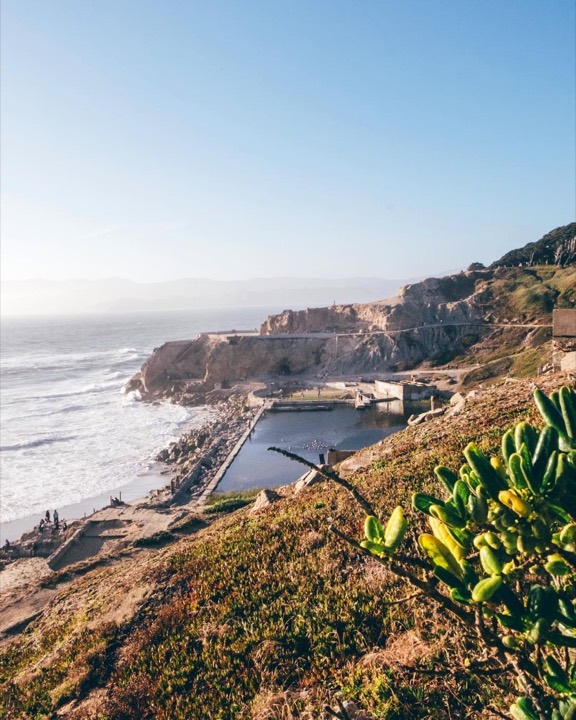
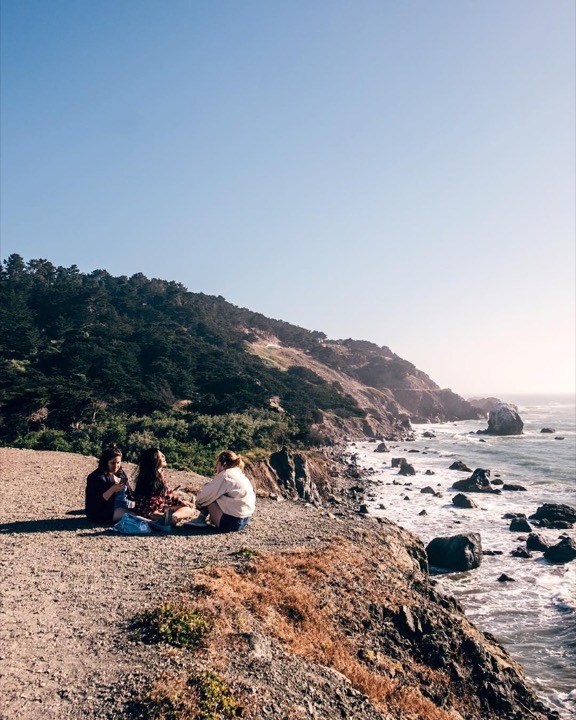
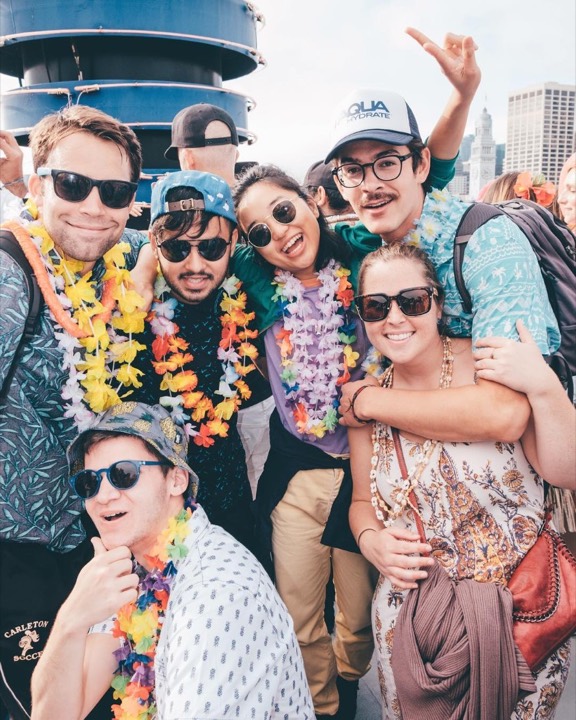
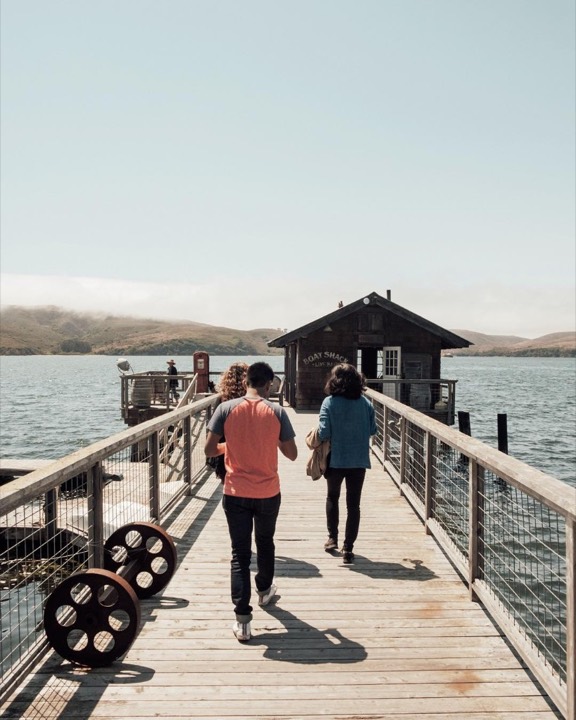
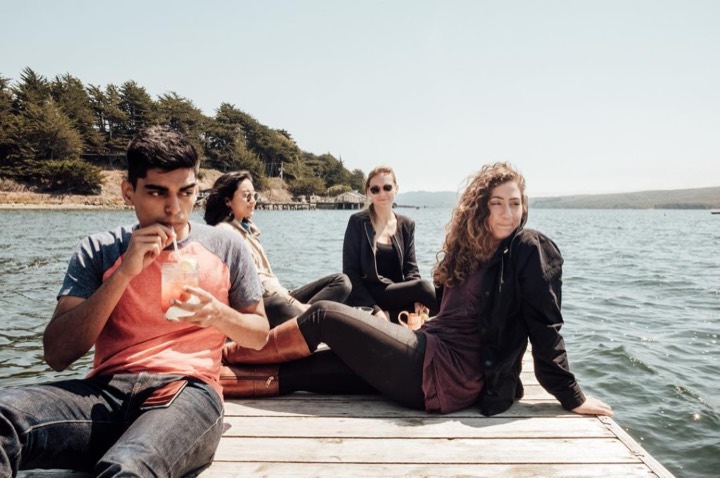
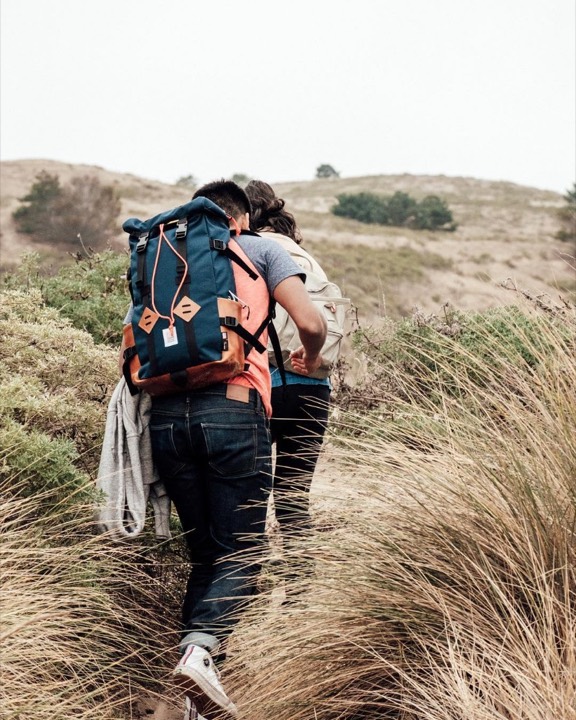
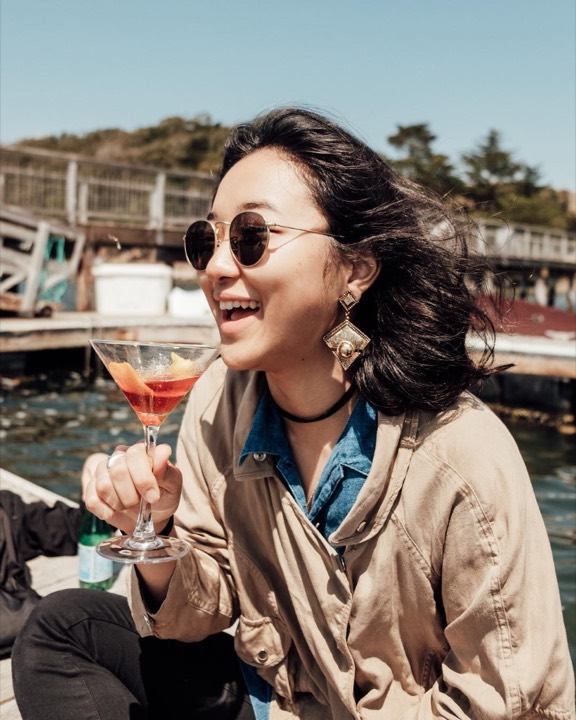
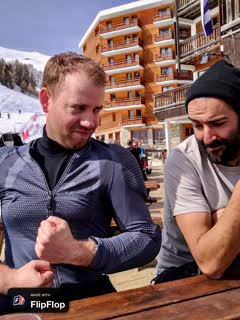
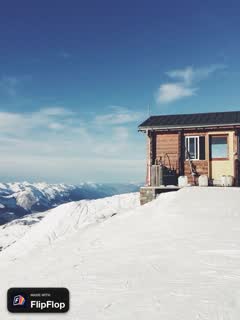
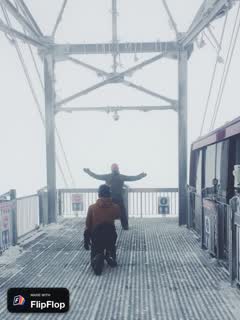
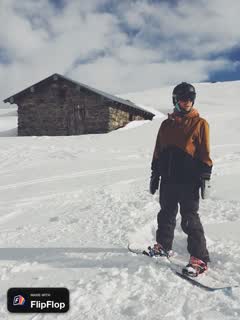
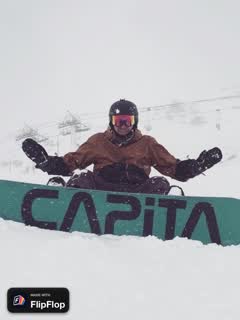
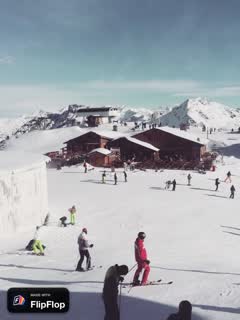
The holiday Flip. A pile of photos from the trip, one short silent film they can actually feel.
A few holiday Flips
A month roundup. A year Flip. Same idea — the vibe of the stretch, not a recap of the highlights.
No timeline. No soundtrack. Every control is on purpose.
Start in Recents. Filter by date, orientation or favourites. Hide screenshots. Skip what doesn’t belong.
Pace, order, crop, Fit or Fill, and the frame for Instagram, TikTok, Threads or YouTube.
HD to Photos. Add music where you post. The Flip stays on this iPhone, still editable.
The whole path, in order.
Create a Flip from the photos already on your iPhone. No albums-first hunt — Recents is the front door.
Narrow by date, orientation or favourites. Hide screenshots. Skip the ones that don’t belong in this stretch.
Oldest first, newest first, as you added them, random, or drag to a custom order. Duplicate a photo if you want it twice.
From 0.1 to 2 seconds per photo. Or aim for 15, 30 or 60 seconds — every photo still appears at least once.
Instagram Reel or Story at 9:16 (1080×1920). Instagram Post at 4:5 (1080×1350). TikTok or Threads stay HD. YouTube Shorts or Video export in 4K — that’s the one place extra pixels survive.
Fit keeps the whole photo; Fill covers the frame. Choose a background colour when you Fit. Inset Full, 16, 32 or 60 so Instagram doesn’t crop the edges.
Pinch and drag in the preview. Only the frames you want to touch — the rest stay as they are.
Saves to Photos. No soundtrack on purpose — add music in Instagram, TikTok or wherever you share it.
Saved Flips stay editable. Hold a Flip in the library to preview it. No account, no upload, nothing sent to us. Deleting a Flip never deletes your originals.
No. Your photos and saved Flips stay on your iPhone. There is no account and nothing is sent to us.
Memories picks the photos for you. FlipFlop uses the ones you choose, at the pace you set, then exports a silent video you can post anywhere.
Yes. Filter Recents by date, pick the photos, and set the pace. A February Flip or a 2026 Flip is the vibe of that stretch, not a documentary.
No. FlipFlop exports silently so you can add music wherever you share it.
Yes. Saved Flips remain editable, so you can add photos or export a new version.
Yes. FlipFlop runs on your iPhone. iCloud may still need to download an original photo if it isn’t stored locally yet.
A holiday, a February, a 2026 Flip.